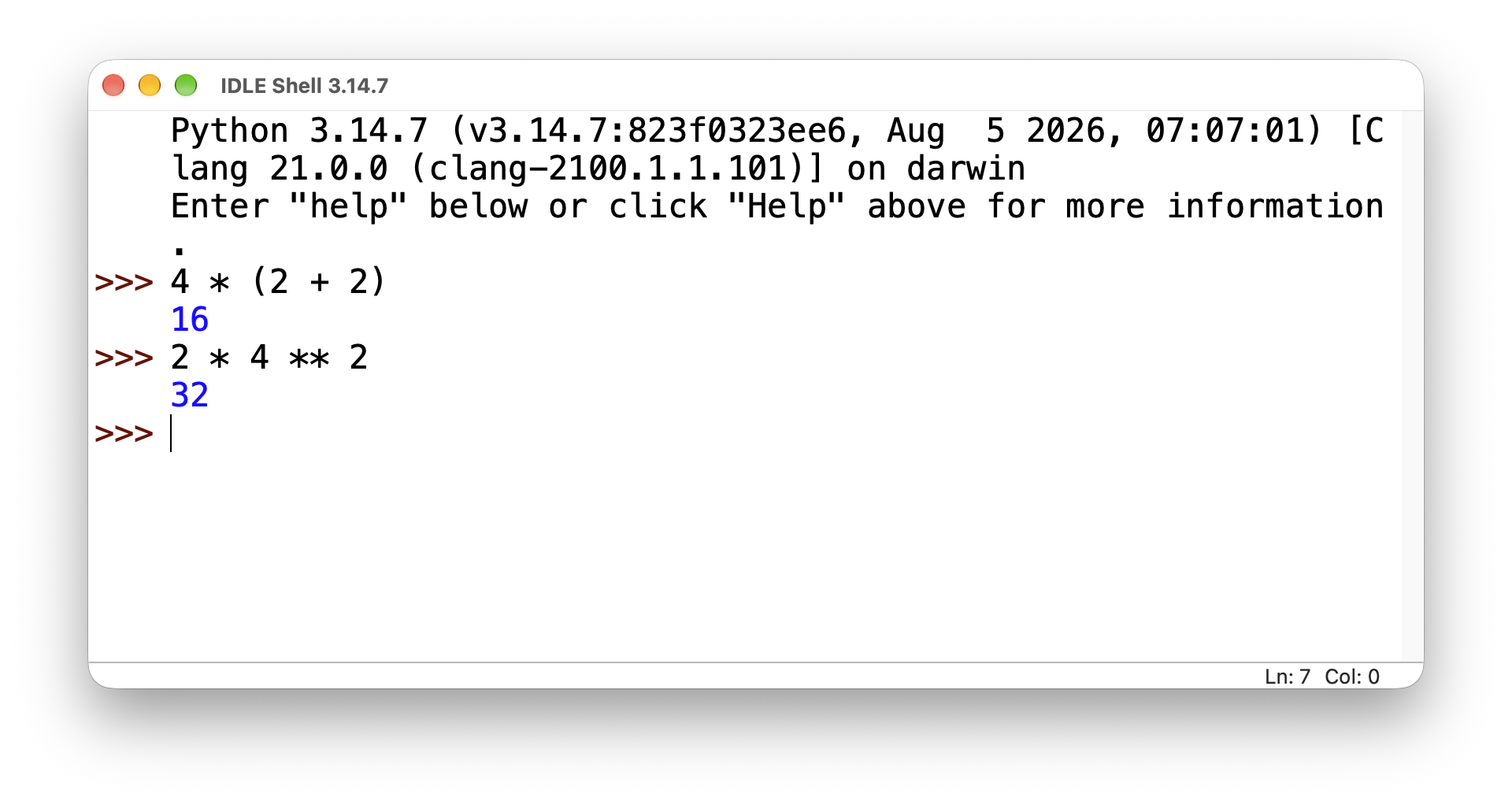
Basic operators can be summarized as those that are essentially known from mathematics and that are used in programming for daily practice. The following table provides an overview of these arithmetic operators.
| Operator | Meaning |
|---|---|
| + | Addition |
| – | Subtraction |
| * | Multiplication |
| / | Division |
| ** | Exponentiation |
| // | Integer Division (Quotient) |
| % | Modulo (Remainder) |
The Python shell (IDLE) is very well suited for trying out different operators, for example, addition:
>>> 5 + 5
10In this case, 5 + 5 is referred to as an expression, consisting of two operands and an operator.
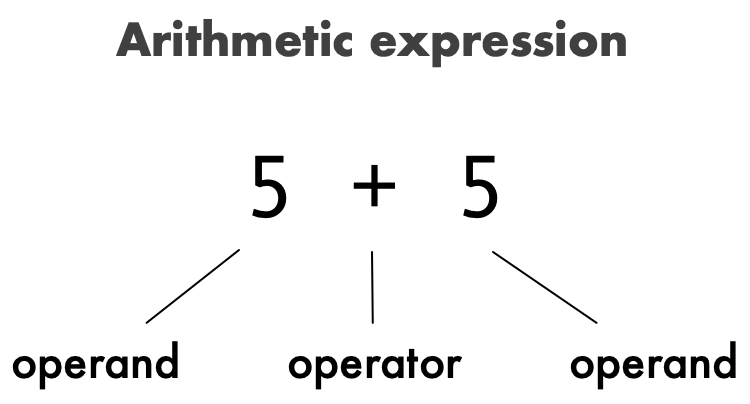
Therefore, an expression is used to perform an operation (here: addition), which creates a new value. If an expression contains multiple operators, then the rules known from algebra apply (e.g., order of operations: multiplication and division before addition and subtraction).
| Expression | Evaluation | Result |
|---|---|---|
| 2 + 4 * 3 | 2 + 12 | 14 |
| 4 * (2 + 2) | 4 * 4 | 16 |
| (10 – 2) * 5 | 8 * 5 | 40 |
| 2 * 4 ** 2 | 2 * 16 | 32 |
Of course, division by 0 is not possible, and a ZeroDivisionError appears:
>>> 10 / 0
Traceback (most recent call last):
	File "<pyshell#1>", line 1, in <module>
	10 / 0
ZeroDivisionError: division by zeroNow, let’s take a look at the integer division (quotient operator) and modulo operator. If you divide 32 by 5, the result is 6.4:
>>> 32 / 5
6.4However, performing integer division results in a result of 6:
>>> 32 // 5
6Therefore, using the quotient operator gives the integer quotient (truncated to the nearest whole number).
The modulo operator, on the other hand, calculates the remainder that is left over after division.
>>> 32 % 5
2The result is 2, because 32 can be divided 6 times by 5 (6 * 5 = 30). And 32 – 30 is 2.