In the Linux distribution Fedora, various package managers are available. In addition to YUM and RPM, there is dnf—a fork of YUM that has served as the default package manager in Fedora since version 22. The fundamental commands of this program are explained in this blog post.
The following command can be used to search for a package:
dnf search <Package>The install command is available for installation. Please note that administrator privileges are required for this:
sudo dnf install <Package>If you want to update software packages, update will get you there:
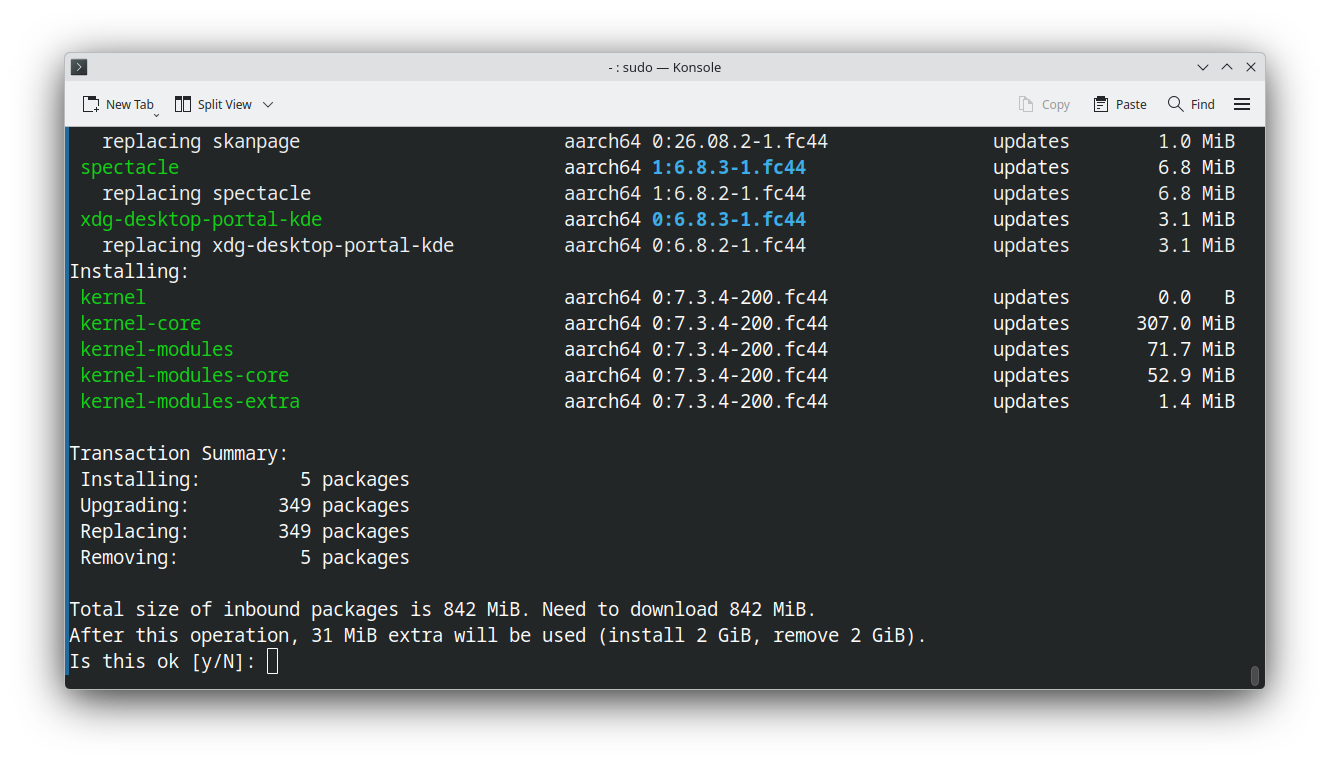
sudo dnf updateYou will receive an overview of the packages to be updated. Confirming with y will apply the changes.
When packages need to be uninstalled, the remove and autoremove commands come into play. The following command is used to uninstall a specific package:
dnf remove <Paket>Package dependencies that are no longer needed can be uninstalled using autoremove.
If dnf is not yet present on your RPM-based Linux system, you can add this package manager using the following command:
sudo yum install dnf