The Terminal App on a Mac
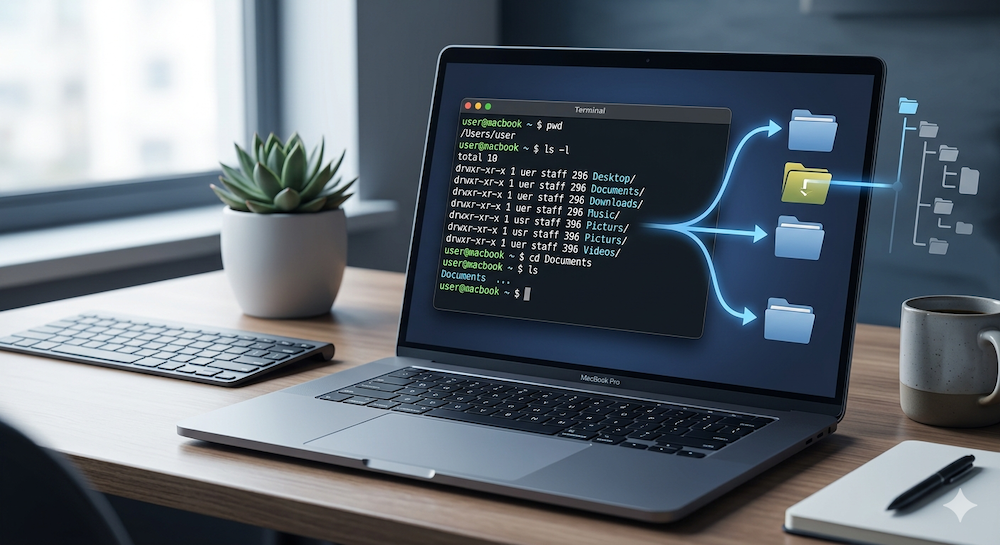
Terminal app on macOS

Within the Utilities folder, which is a subfolder of the Applications folder, you’ll find a collection of various useful applications. One of these is the Terminal program. Instead of navigating to the Utilities folder in Finder and then launching the program, you can use Spotlight search (keyboard shortcut: ⌘ + spacebar) and enter the word … Read more
Using Large Language Models with Ollama Locally on Mac

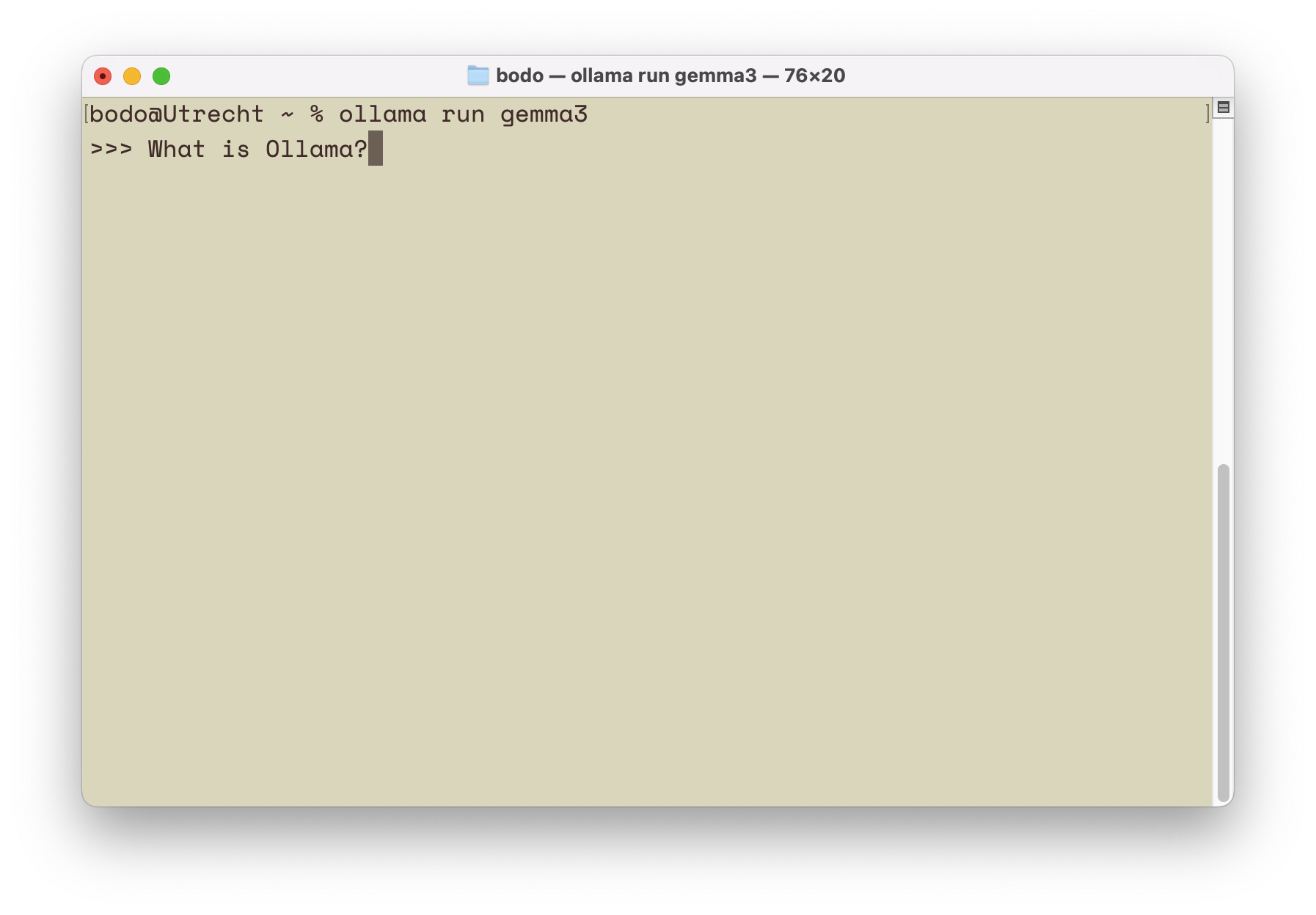
Run Ollama in the Terminal on macOS

This blog post is the first in a series of articles on the topic of artificial intelligence.— Contrary to the views of various “experts” from the past, AI has not disappeared; instead, it is gaining more significance in everyday life, particularly through AI chatbots. ChatGPT is perhaps the most widely used example. Most users might … Read more

Categories AI

Ebook macOS Shell for Beginners published

book cover macOS Shell for Beginners

The first edition of the book macOS Shell for Beginners was published in spring 2017. At that time, Bash was still defined as the default login shell. Accordingly, the first edition, as well as the following editions 2 and 3, focused on Bash. With the switch to Z shell (zsh) as the default login shell, … Read more

Searching for Files in the Shell (macOS)

What good are all the files in the file system if you can’t find them again? Exactly—none. That’s why this blog post is all about searching for files (and folders) using the shell. There are several commands available for this, but I’ll focus on find. Open the Terminal and create a new subfolder named “shell” … Read more

Installing Rust on macOS

Introduction Rust is a relatively young language in the field of systems programming. Its first stable release came out in 2015, though it was announced back in 2010. Rust blends several programming paradigms — functional, object-oriented, and concurrent — making it easy for programmers from different backgrounds to find familiar concepts. However, those unfamiliar with … Read more